
01
What FaceScore face analysis shows
FaceScore reads the placement and proportions of facial features from a photo and analyzes the balance of the face as a whole.
It turns characteristics that may be hard to notice in a mirror into an overall score and detailed ratings.

02
What is the facial golden ratio?
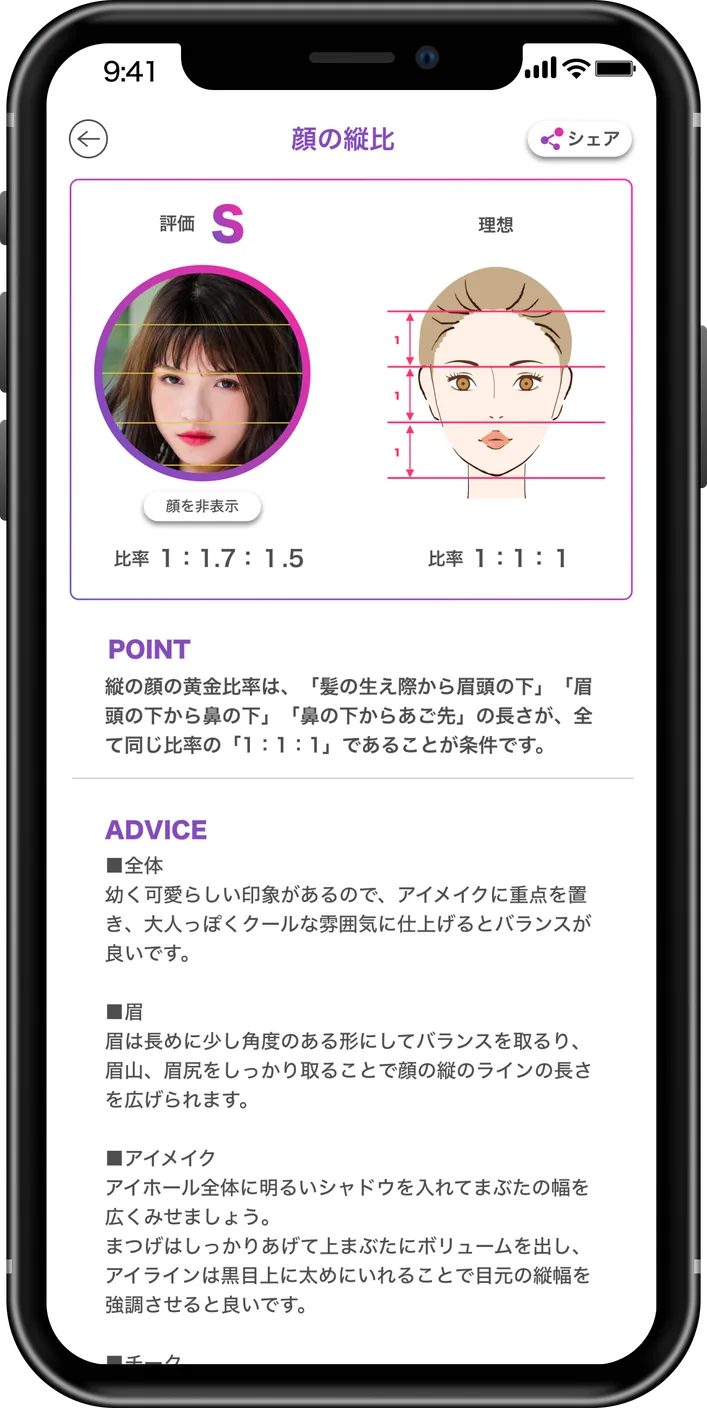
The facial golden ratio refers to proportions often perceived as visually harmonious.
FaceScore compares the photo with reference values from several directions.
- Vertical proportions: hairline, brows, nose, and chin
- Horizontal proportions: face width and spacing between the eyes
- Length-to-width balance of the face
- Left-to-right placement around the center line
03
How are face scores calculated?
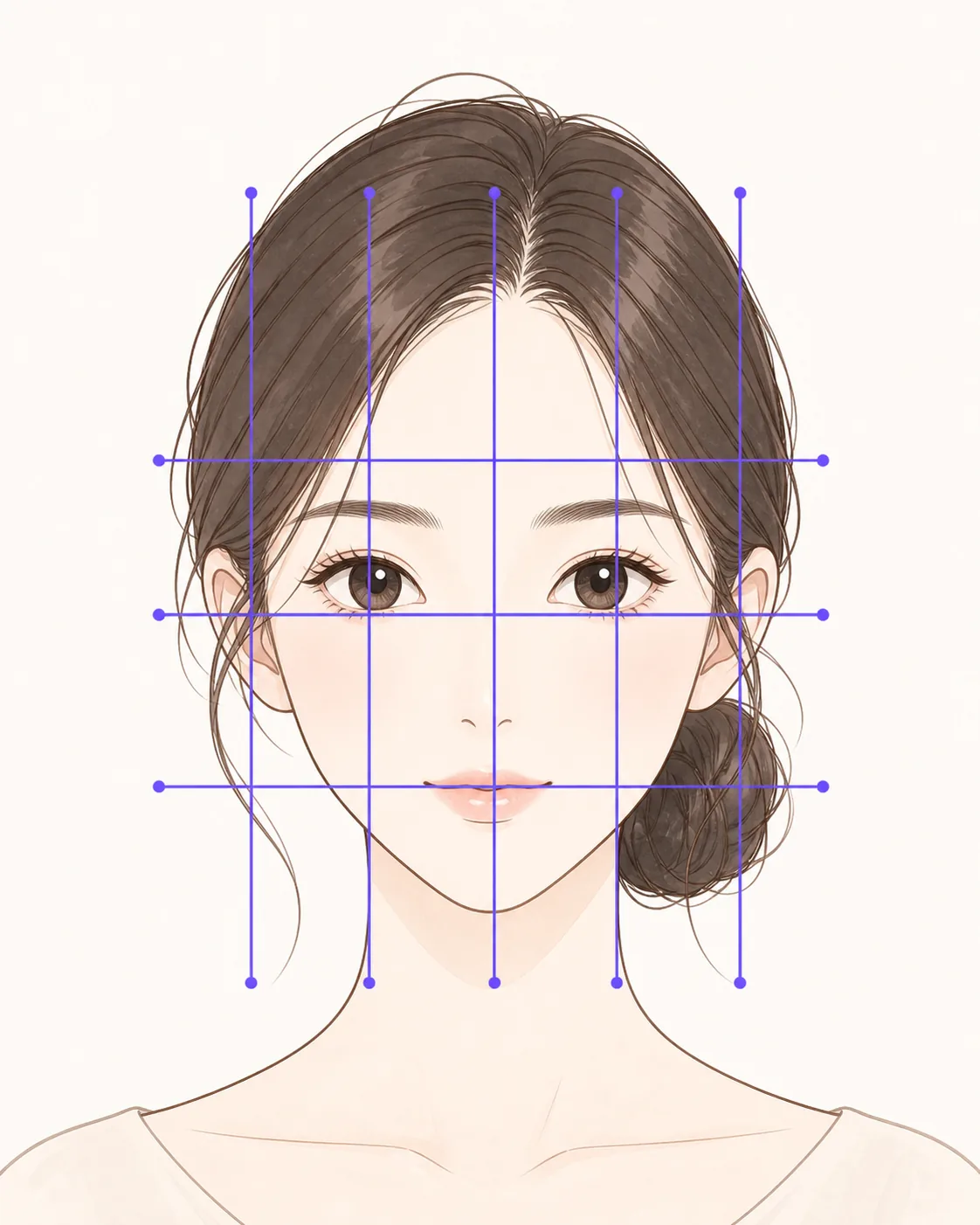
FaceScore compares feature placement and proportions with golden-ratio references, then calculates an overall score from the resulting balance.
The face, eyes, nose, and mouth are also rated across multiple criteria.
- Start with the overall score
- Use the feature ratings to identify distinctive areas
- Open the detail screen to compare actual and reference proportions
04
Five tips for a photo that is easier to compare
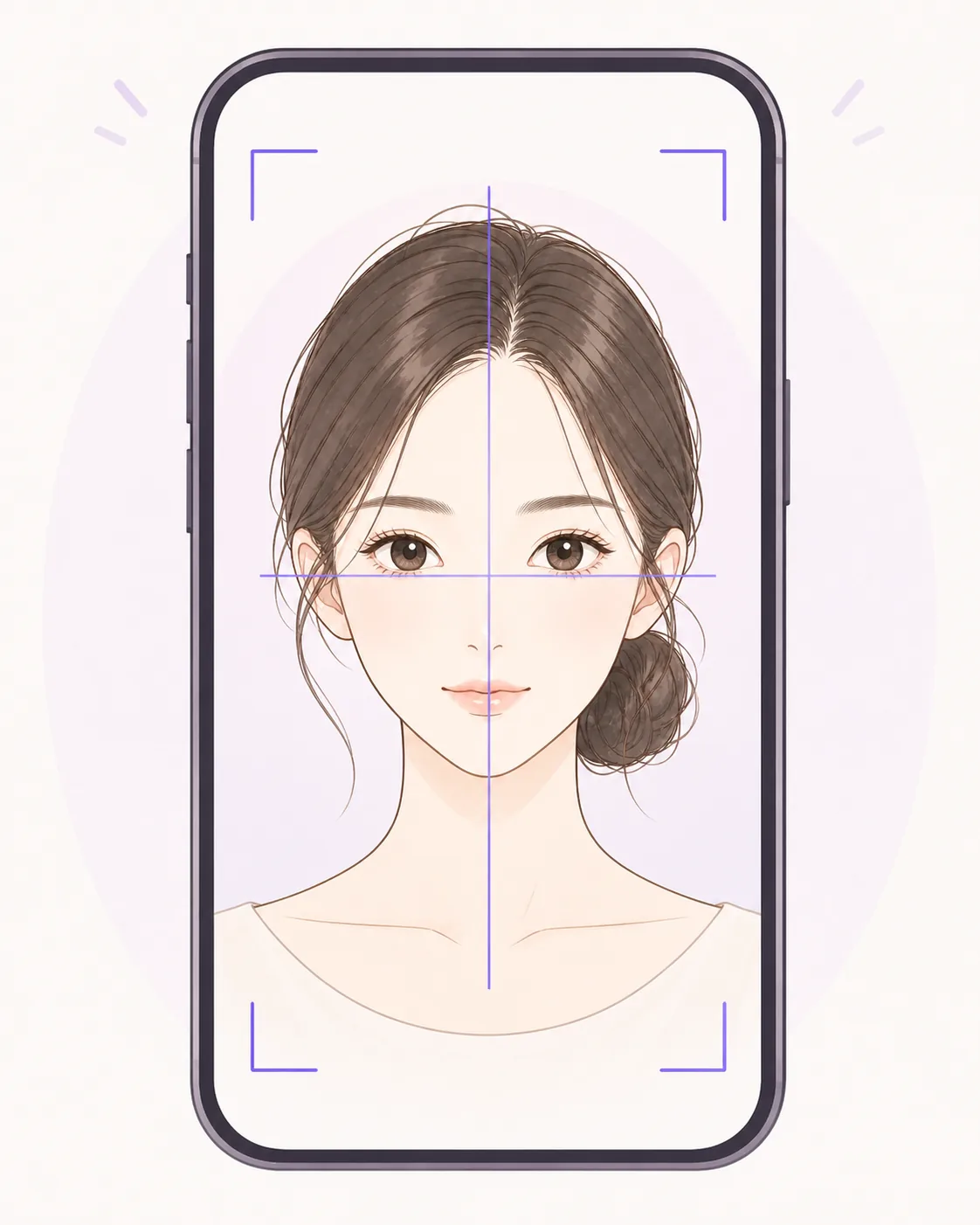
Because the analysis is based on a photo, consistent shooting conditions help the app read feature placement more clearly.
- Use bright, even lighting
- Hold the camera at eye level and face forward
- Keep your head level and centered
- Do not cover the outline, eyes, nose, or mouth
- Turn off strong filters and use a natural expression
05
Use the results in everyday styling
Use the results as ideas for makeup and photos rather than a rule that every feature must match a reference.
Try small changes only where you want them.
- Adjust eye and brow balance with liner or brow length
- Use bangs and face-framing hair to change the visible outline
- Use highlight and lip shape to guide attention
- Try different camera heights and natural angles